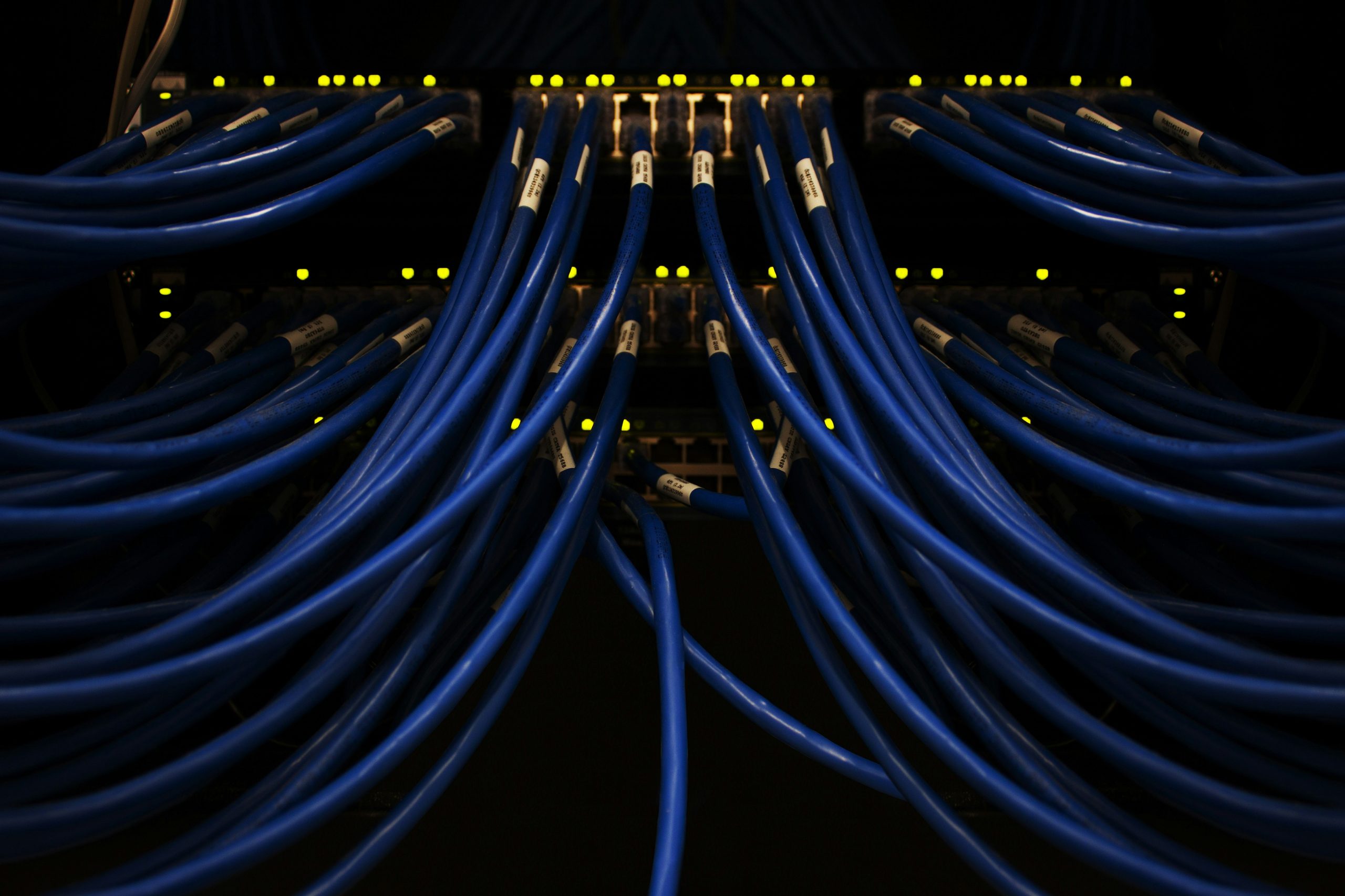
Data Cabling in Melbourne: Simple Guide for Homes and Businesses
Let’s have a proper chat about something that quietly runs your whole day: your cables. Not the flashy stuff. The wires behind the walls that decide whether your Zoom call freezes or your teenager’s game lags at the worst possible moment.
If you live or work in Melbourne, you’ve probably felt it. The Wi-Fi that dies the second you walk upstairs. The dead spot in the back bedroom of a double-storey townhouse. The laggy video call in your home office. Slow file transfers that make your small business feel stuck in mud. Or that tangle of messy, retrofitted cabling behind the reception desk that nobody wants to touch.
Here’s the good news. Most of these headaches come down to cabling, and cabling is fixable!
By the end of this guide, you’ll understand what data cabling actually is, why structured cabling matters, and the real difference between Cat6 and Cat6a. You’ll know how all the bits fit together, how the NBN changes your planning, and when to repair, extend, or start fresh. No jargon walls. Just a friendly, useful walkthrough so you can make a smart call for your Melbourne home or business.
So, What Is Data Cabling, Really?
Think of your building like a body. Data cabling is the nervous system. It carries signals from one point to another so your devices can talk to each other and to the internet.
A single Ethernet cable running from your router to your TV is data cabling. So is a whole building wired up with dozens of neat, labelled connections. The difference is scale and planning.
And planning is where the magic happens.
Data cabling types in Melbourne
| Type of data cabling | Best suited for | Typical use |
|---|---|---|
| Cat5e | Basic networks | Internet, computers, small offices |
| Cat6 | Homes and businesses | Gigabit networks, offices, workstations |
| Cat6A | High-performance networks | Businesses, data-heavy applications, new commercial installations |
| Fibre optic | Long-distance and high-speed connections | Data centres, commercial buildings, building-to-building links |
| Ethernet cabling | Wired network connections | Computers, printers, access points, VoIP and other network devices |
Why Structured Cabling Beats a Bird’s Nest
Structured cabling is the tidy, organised way of doing things. Instead of running random cables wherever, everything connects back to one central spot in a neat, logical layout.
Picture a hub. All your cables run from wall points back to a central panel, and from there to your switches and router. Clean. Labelled. Easy to fix.
The opposite is the “bird’s nest.” You’ve seen it. A tangle of cables added over the years, one at a time, with no plan. It works… until it doesn’t. And when something breaks, tracing the fault becomes a nightmare.
Structured cabling saves you labour, saves you money down the track, and makes your whole setup easy to upgrade. When Mr Data Cabler does a site visit, this is one of the first things they’ll assess: is your current setup structured, or is it a bird’s nest waiting to bite you?
Cat6 vs Cat6a: The Simple Version
These are just two types of Ethernet cable. The names sound techy, but the idea is easy.
Cat6 is fast and reliable. It handles gigabit speeds comfortably and works brilliantly for most homes and small offices. For everyday streaming, gaming, and working from home, Cat6 is a fantastic choice.
Cat6a is the tougher big brother. It handles higher speeds over longer distances and shrugs off interference better. It’s the smart pick for businesses, longer cable runs, warehouses, or anywhere you want to future-proof for years to come.
So which one? Here’s the easy rule.
- Home or small office, shorter runs? Cat6 is usually spot on.
- Business, long runs, or planning for growth? Cat6a is worth the extra spend.
You don’t need to memorise the specs. A good cabler helps you match the cable to the job so you’re not overpaying or underdelivering.
Cat5e vs Cat6 vs Cat6A
| Feature | Cat5e | Cat6 | Cat6A |
|---|---|---|---|
| Typical network speed | Up to 1 Gbps | Up to 1 Gbps, with higher-speed capability in suitable conditions | Up to 10 Gbps |
| Maximum standard channel length | 100 m | 100 m | 100 m |
| Interference resistance | Standard | Better than Cat5e | Higher |
| Suitable for homes | Yes | Yes | Yes |
| Suitable for offices | Yes | Yes | Yes |
| Suitable for high-demand networks | Limited | Good | Excellent |
| Future-proofing | Basic | Good | Very good |
| Installation cost | Lower | Moderate | Higher |
How All the Bits Fit Together
Let’s meet the team of components. Once you know who does what, it all clicks.
- Network points are the wall sockets where you plug in your devices. More points in the right rooms means fewer dead spots.
- Patch panels are the tidy central board where all your cables terminate. This is the heart of structured cabling.
- Racks are the frames that neatly house your gear so it’s organised and easy to service.
- Switches are the traffic controllers. They connect all your wired devices and let them talk to each other.
- Wi-Fi access points are the clever part for wireless. Instead of relying on one router in one spot, access points spread strong, even Wi-Fi across your whole property.
Here’s the key insight. Great Wi-Fi isn’t about a fancier router. It’s about wired access points placed in the right spots, fed by good cable. That’s how you kill dead zones for good.
Where the NBN Fits In
The NBN brings the internet to your property. But once it arrives, everything inside your walls is up to you.
That’s the bit people forget. Your connection can be brilliant at the box and still feel slow in the back room if your internal cabling is poor. NBN Co even points this out in their in-home optimisation guide, where they recommend Cat6 cabling and above for the best performance.
If you’re building, renovating, or planning ahead, NBN Co’s cabling page covers pathways and where your connection box and router can go. Planning this early saves a world of pain later, especially in Melbourne’s renovation-mad suburbs where walls are already coming down.
The Legal Bit (It Matters)
Here’s something every Melbourne homeowner and business owner should know. In Australia, telecommunications cabling work must be done by a registered cabler. It’s not optional.
The rules come from the ACMA, and you can read them yourself on the Cabling provider rules page. There are also proper standards for the products and installation practices, laid out in the Australian cabling standards.
Why does this matter to you? Two reasons: safety and performance. Compliant products and correct installation protect your property and make sure your network actually performs the way it should. When you hire someone like Mr Data Cabler, you’re getting work that meets these standards, not a dodgy DIY job that fails an inspection or fizzles out in a year.
Data cabling for homes vs businesses
| Consideration | Home | Business |
|---|---|---|
| Number of connections | Usually fewer | Often many |
| Network equipment | Router, switches, access points | Switches, routers, firewalls, access points and other infrastructure |
| Cabling requirements | Basic to moderate | Moderate to complex |
| Future expansion | Useful to plan for | Important |
| Cable management | Relatively simple | Requires structured organisation |
| Testing and documentation | Important | Particularly important |
| Downtime impact | Usually lower | Can significantly affect operations |
Three Melbourne Scenarios (Fictional Examples)
To make this real, here are three made-up examples. These are fictional, just for illustration, but they’ll feel familiar.
Example 1: The Brunswick family with streaming dropouts
A family in a lovely old Brunswick period home keeps losing the stream upstairs. The router sits near the front, and those thick old brick walls block the signal something fierce. The fix isn’t a new router. It’s running Cat6 to a couple of well-placed Wi-Fi access points, giving strong, even coverage across both floors. Movie night, sorted!
Example 2: The Richmond medical clinic
A small clinic in Richmond needs rock-solid connections for reception, printers, and several consult rooms. Downtime here isn’t just annoying, it slows down patient care. A structured cabling plan with a tidy patch panel, a proper switch, and dedicated network points in each room keeps everything reliable and easy to expand as the clinic grows. Clean, compliant, and calm.
Example 3: The western suburbs warehouse office
A warehouse office out near the Geelong Road corridor, in a converted space typical of the western suburbs, is drowning in messy retrofitted cabling. They’ve got security cameras, VoIP phones, and a row of desktops all fighting over the same tangled wires. A fresh Cat6a structured setup with a neat rack organises the lot, handles the longer runs, and gives them room to scale. Bye-bye, bird’s nest.
Melbourne Homes and Buildings Have Their Quirks
Cabling in Melbourne is never one-size-fits-all, and that’s part of the fun.
Around the CBD, Docklands, and Southbank, you’ve got apartments and laneway offices where space is tight and neat cabling is everything. In Carlton, St Kilda, and Brunswick, gorgeous period homes come with double brick and old layouts that need a thoughtful approach. Out in Werribee and the newer western estates, you’ve got fresh builds that are perfect for getting the cabling right from day one.
Then there are the warehouse conversions dotted around Richmond and the inner west, and the leafy homes near the Yarra. Add Melbourne’s love of renovating and our habit of four seasons in one day, and you can see why a local expert who knows these buildings makes a real difference.
Before you book anyone, ask a few smart questions. Are you a registered cabler? Will the work meet ACMA standards? Can you show me a tidy, labelled layout? A good pro like Mr Data Cabler will happily answer all three.
Data cabling installation process
| Step | What happens |
|---|---|
| 1. Assess requirements | Identify devices, locations and expected network use |
| 2. Plan the cabling | Determine cable routes, outlets and network equipment locations |
| 3. Select cable | Choose the appropriate cable category and infrastructure |
| 4. Install cable | Run cables through the appropriate pathways |
| 5. Terminate connections | Connect cables to outlets, patch panels or other network hardware |
| 6. Label cables | Clearly identify network connections |
| 7. Test the installation | Check cable performance and connectivity |
| 8. Document the network | Record cable runs and connection points for future maintenance |
Repair, Extend, or Start Fresh?
Let’s bring it home with the decision you actually care about.
Repair when your setup is basically sound but one or two points have failed. Quick, cheap, easy.
Extend when your existing structured cabling is solid and you just need more coverage, like adding an access point upstairs or a few points in a new room. You’re building on good foundations.
Start fresh when you’ve got a bird’s nest, ageing cable, a growing business, or a big renovation on the cards. A brand-new structured cabling plan pays you back for years in speed, reliability, and peace of mind.
The takeaways are simple. Good cabling fixes most Wi-Fi and connection woes. Structured beats messy every time. Match Cat6 or Cat6a to the job. And always use a registered cabler so it’s safe and compliant.
If you’d like tailored advice for your Melbourne home or business, Mr Data Cabler can assess your site and recommend the right fit for the way you actually live and work. Sometimes the best upgrade you’ll ever make is the one hiding inside your walls!
Data cabling FAQs
| Question | Direct answer |
|---|---|
| What is data cabling? | Data cabling is the physical network infrastructure used to connect computers, network equipment and other devices. |
| What type of data cable is best for a business? | The appropriate cable depends on network speed, distance, environment, equipment and future requirements. Cat6 and Cat6A are common choices for modern business networks. |
| Is Cat6 better than Cat5e? | Cat6 provides greater performance capability and better interference characteristics, making it a common choice for new installations. |
| Is Cat6A worth it? | It can be worthwhile where 10 Gbps networking, higher performance or longer-term infrastructure planning is important. |
| Can data cabling improve Wi-Fi? | Wired connections to wireless access points can provide reliable network backhaul and help support better Wi-Fi infrastructure. |
| Can data cabling be used for security cameras? | Yes. Many IP security cameras connect to a network using Ethernet cabling, and compatible cameras can also use Power over Ethernet. |
| Should I install data cabling in a new home? | Installing network cabling during construction can make it easier to provide reliable wired connections and plan for future network requirements. |
| How long does data cabling last? | The useful life depends on the cable, installation quality, environment, network requirements and future technology needs. |